

Getting Started with Components in Figma
Learn how to create reusable components that save time and keep your design system consistent across all projects.
Read ArticleMaster prototyping and UI design for web projects. Learn the tools and techniques professionals use to create stunning digital experiences.
Whether you’re starting with Figma or refining your workflow, we’ve got guides covering everything from basic components to advanced design systems. All content tailored for web designers and UI professionals working in Malaysia and beyond.
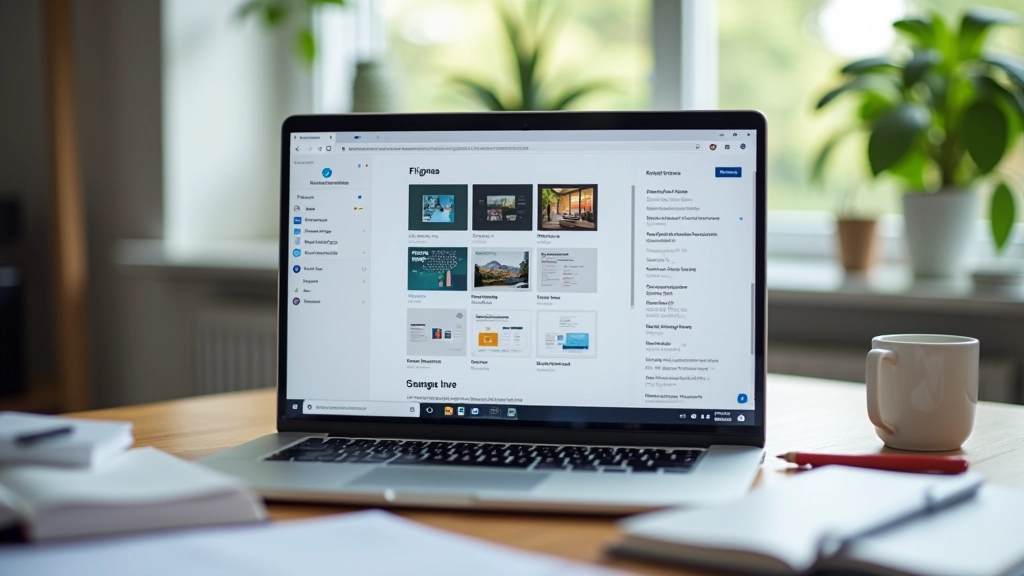
Essential guides and tutorials to level up your Figma skills
Learn how to create reusable components that save time and keep your design system consistent across all projects.
Read Article
Build interactive prototypes in Figma that actually show how your website will work. We’ll cover interactions, animations, and user testing.
Read Article
Create scalable design systems using Figma’s libraries. Covers naming conventions, organization strategies, and team collaboration.
Read Article
Master real-time collaboration features, file organization, and feedback systems that make teamwork smoother and faster.
Read ArticleThe fundamentals that every web designer needs to master
Start with proper canvas organization. Learn how to set up frames for different screen sizes, from mobile to desktop. It’s more important than you’d think.
Make designs responsive without rebuilding everything. Auto layout handles spacing and sizing automatically as your content changes.
Create global styles for colors, typography, and effects. When you need to change something, update it once and it applies everywhere.
Link frames together and add interactions. Show clients and developers exactly how the interface should behave without writing code.
Extend Figma’s capabilities with plugins. Automate repetitive tasks and integrate with development tools to streamline your workflow.
Generate accurate specs and assets for developers. Figma makes it easy to share measurements, colors, and code-ready assets.
What makes it the standard tool for modern web design
Figma’s become the go-to tool for web designers because it’s genuinely good at what it does. You’re not fighting the software — you’re working with it.
Real-time collaboration means your whole team can work on the same file at once. No more emailing versions back and forth. Designers, developers, and product managers can all see the same designs instantly. Changes happen live.
The prototyping features let you show interactions and flows without leaving Figma. You can test user journeys, share interactive prototypes with stakeholders, and get feedback before anything gets built. That saves a lot of time and catches problems early.
Component libraries and design systems are baked in. Once you’ve set up your colors, typography, and components, you can reuse them everywhere. Update the main component and every instance updates automatically. That’s huge for consistency and speed.
For teams in Malaysia and across Asia, Figma works great. No expensive licenses per seat, cloud-based so you can work from anywhere, and it handles everything from wireframes to high-fidelity mockups to prototypes. Most companies we’ve seen have standardized on it for good reason.