
FrameFlow Design Logo FrameFlow Design Contact Us
Contact Us

Master Figma for Web Design

Learn professional design workflows, prototyping techniques, and UI systems that top web designers use in Malaysia and beyond.

50+ Design Topics
12 Complete Guides
24/7 Learning Access
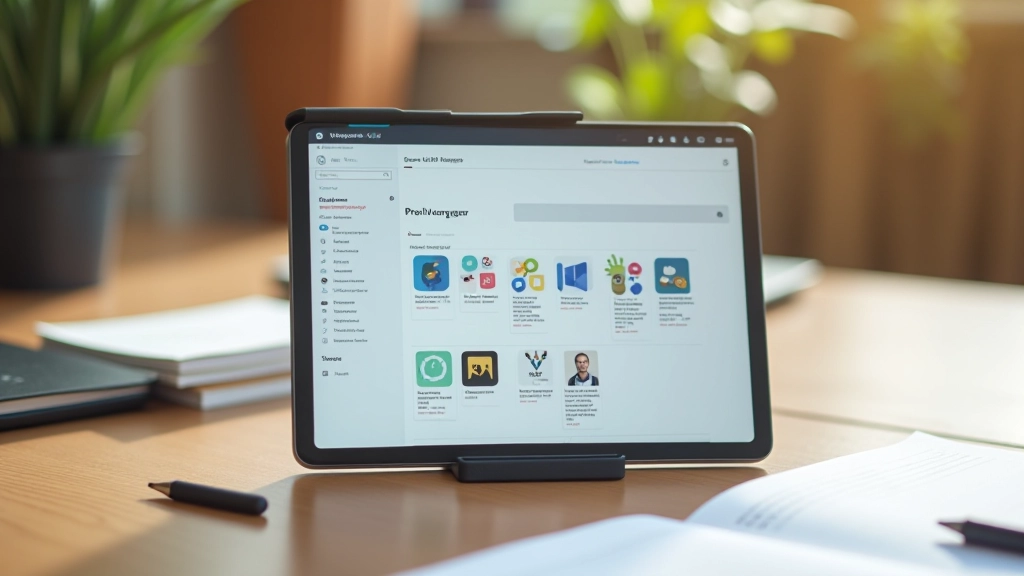
Designer using Figma on laptop, creating UI components and prototypes for web application

Essential Figma Skills

Master the core competencies that web designers need to create professional interfaces and interactive prototypes.

Components & Variants

Build reusable components that scale across your entire design system. Learn how to create variants that save time and keep consistency.

Interactive Prototypes

Create clickable prototypes that show real user flows. We’ll cover interactions, animations, and how to test your designs properly.

Design Systems

Organize colors, typography, and patterns in a scalable way. Learn naming conventions and library structures that teams actually use.

Team Collaboration

Share designs with developers and stakeholders effectively. Set up workflows that reduce back-and-forth and speed up handoff.

Advanced Techniques

Discover shortcuts, plugins, and pro tips that experienced designers use daily. Work faster without sacrificing quality or attention to detail.

Responsive Design

Design interfaces that work across devices. Learn breakpoints, auto-layout, and how to prepare designs for developers.

How We Structure Learning

We’ve designed our courses around how designers actually work. Each step builds on the last, with real examples you can use immediately.

01

Understand the Basics

Start with Figma fundamentals. We’ll cover the interface, tools, and workspace setup so you’re comfortable before moving forward.

02

Build Real Projects

Apply what you’ve learned to actual web design projects. You’ll create interfaces, design systems, and prototypes that work.

03

Master Advanced Skills

Dive deeper into prototyping, collaboration, and optimization. Learn techniques that separate good designers from great ones.

What Designers Are Saying

Designers from across Malaysia are using these guides to level up their Figma skills and create better interfaces.

“I wasn’t sure about components at first, but after going through the guide it just clicked. Now I’m organizing my entire design library properly and saving hours on revisions.”

Amir UI Designer, KL

“The prototyping guide showed me how to actually test interactions instead of just guessing. Our team’s been using these techniques for the last three projects and developers say the handoff is way smoother.”

Zara Design Lead, Penang

“I’ve been designing for years but the design systems guide taught me organization methods I wasn’t using. The naming conventions alone have saved me so much time when scaling projects.”

Ravi Senior Designer, Johor

Frequently Asked

Everything you need to know about our guides and learning approach.

Who’s this for?

These guides work for designers at any level. If you’re just starting with Figma or you’ve been using it for years, you’ll find techniques and workflows that apply to your work. We focus on practical skills you can use immediately.

Do I need Figma experience?

No. We start from the basics and build up. If you’ve never opened Figma before, that’s fine — the first guide covers the fundamentals. If you’re experienced, you can skip ahead to more advanced topics.

How long does it take to go through a guide?

Most guides take 30-60 minutes depending on how deep you want to go. Some people skim for specific techniques, others work through everything step-by-step. You can read at your own pace — there’s no deadline.

Can I use these techniques in my own projects?

Absolutely. That’s the whole point. Every guide includes real examples and workflows you can adapt to your projects immediately. We’re not teaching theory — we’re sharing what actually works.

What if I have specific questions?

Reach out. We’re happy to help with follow-up questions, clarifications, or guidance on applying these techniques to your specific situation. The learning doesn’t stop after you read the guide.

Are these guides updated?

Yes. Figma updates regularly and we update our guides to reflect new features and best practices. You’ll always have current information.

Ready to Improve Your Figma Skills?

Start learning today. Browse our complete collection of guides, reach out with questions, or explore how we can support your design growth.